Building for Multiplayer

One of the main things that we’ve had in mind since the beginning was multiplayer. When we first started testing multiplayer , we quickly found out that balancing enemies for multiple players needed multiple approaches to make it engaging.

Just scaling enemy health wasn’t enough, as it felt artificially difficult. Enemies felt oddly tanky, even the lost souls, who were relatively easy to kill. So Jensen came up with a way to adjust how enemies should feel not just based on health, but across many things at once.

So lets dive into how these things affect the experience for the player.

Health

Scaling an enemies health depends on their class. We can scale a Lost Soul to go from 2-3 attacks gradually to 4-7 attacks depending on how many players are in the session. Its not a large increase, but it makes a difference when there are more of them, and your usual attacks, leave them just barely alive.

In contrast, enemies that are meant to take a lot of damage, like the Heavy Archer, scales their health much more. They move and attack slowly, and considering that many players can attack them at once, they should be able to take a significant amount of punishment before finally going down.

Poise

A character’s poise determines how much physical force they can withstand before they poise-break and get locked into a hit-reaction. The difference in poise varies greatly between each enemy class. So lets compare two enemies:

Lost Soul

  • Total Poise: 2
    • 2-3 Light attack break poise
    • 1-2 Heavy attacks break poise
    • 1 Charged Attack breaks poise
Weak Enemy – Light Attacks
Weak Enemy – Heavy Attacks
Weak Enemy – Charge Attack

We don’t scale this for multiplayer, as it feels odd to have the weakest enemy in the game suddenly able to withstand incredibly strong attacks.

Cultist Knight

  • Total Poise: 5
    • 6-10 Light attack break poise
    • 2-5 Heavy attacks break poise
    • 2-3 Charged Attack breaks poise
Strong Enemy – Light Attacks
Strong Enemy – Heavy Attack
Strong Enemy – Charge Attack

Since the player can almost never break their poise in a single attack, we’re free to scale their poise slightly per player that joins. This means that players piling up on this one stronger enemy becomes less effective as they can now respond to being overwhelmed.

Damage

We’re pretty careful with how much we scale damage, as we don’t want to always have the player at risk of dying from a single attack, but it does scale slightly with multiplayer to account for the increased player count. Right now its around a 5% increase per player. Not a lot, but should add up over the course of fighting multiple enemies.

Enemy Behavior

Enemies are constantly checking to see how they should respond to a players actions, and one of the things they can check, is not only how many players are around, but how close they are. So if players decided to swarm a a single enemy, they can respond by triggering a unique skill for when they’re surrounded. The Sword Knight will do a sweeping attack all around to try and hit all nearby players. or if they’ve taken too much damage too quickly, they build up a pulse of magic to knockdown anyone nearby.

This isn’t limited to just swarming though, they can even change tactics based on the specific character that they’re targeting. For instance, Lost Souls aren’t particularly fond of being being absolutely pummeled by Shold, so they tend to dodge around more if they see him.

In addition, Enemies have one more trick up their sleeve in multiplayer. If an enemy kills a player they become empowered, healing for a portion of the damage that they’ve taken, and gaining a damage buff until they’re killed. This means that any enemy can potentially become a significant threat if players are dying often.

That’s all for this week, catch y’all next time.

Flame On

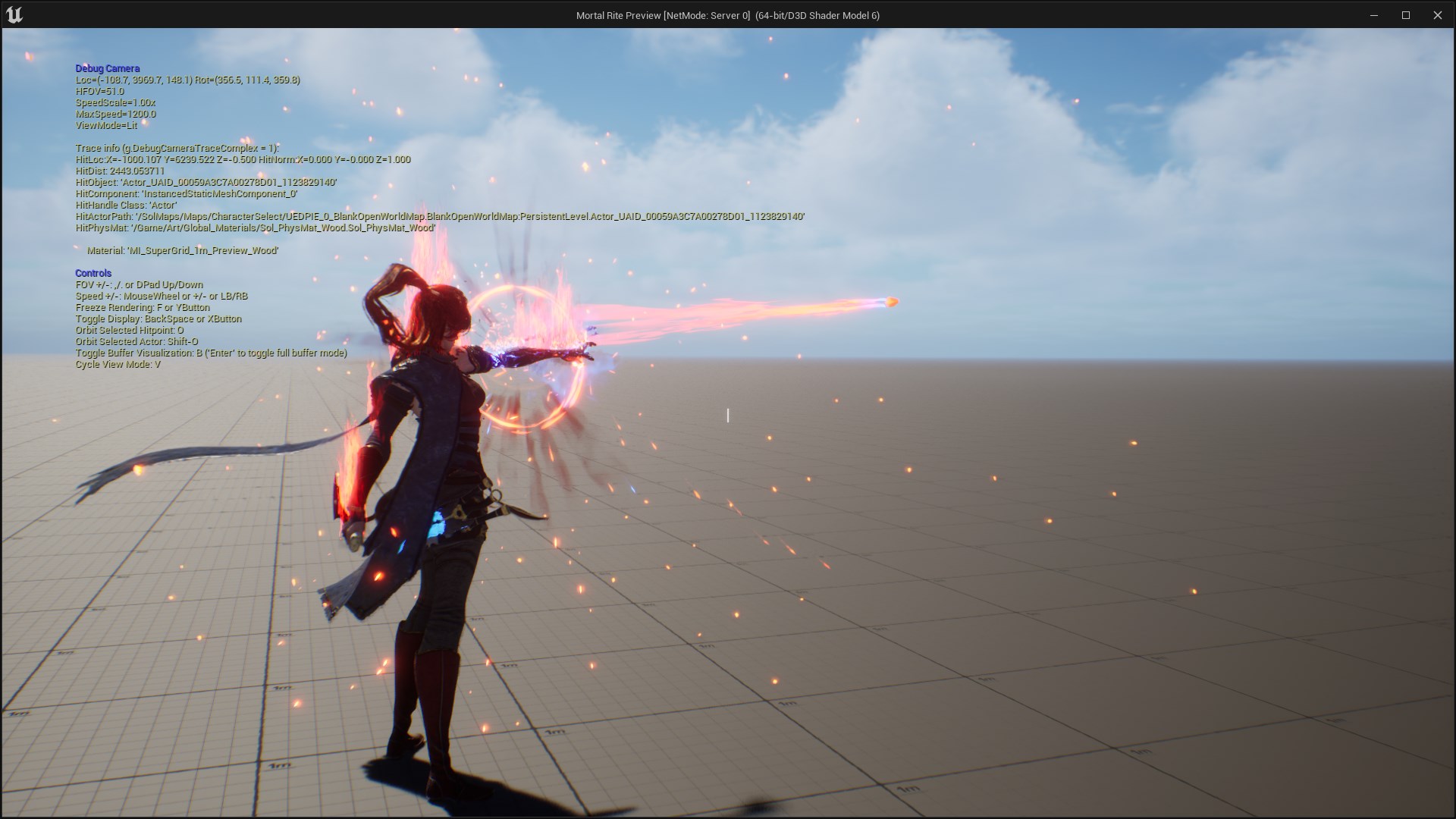
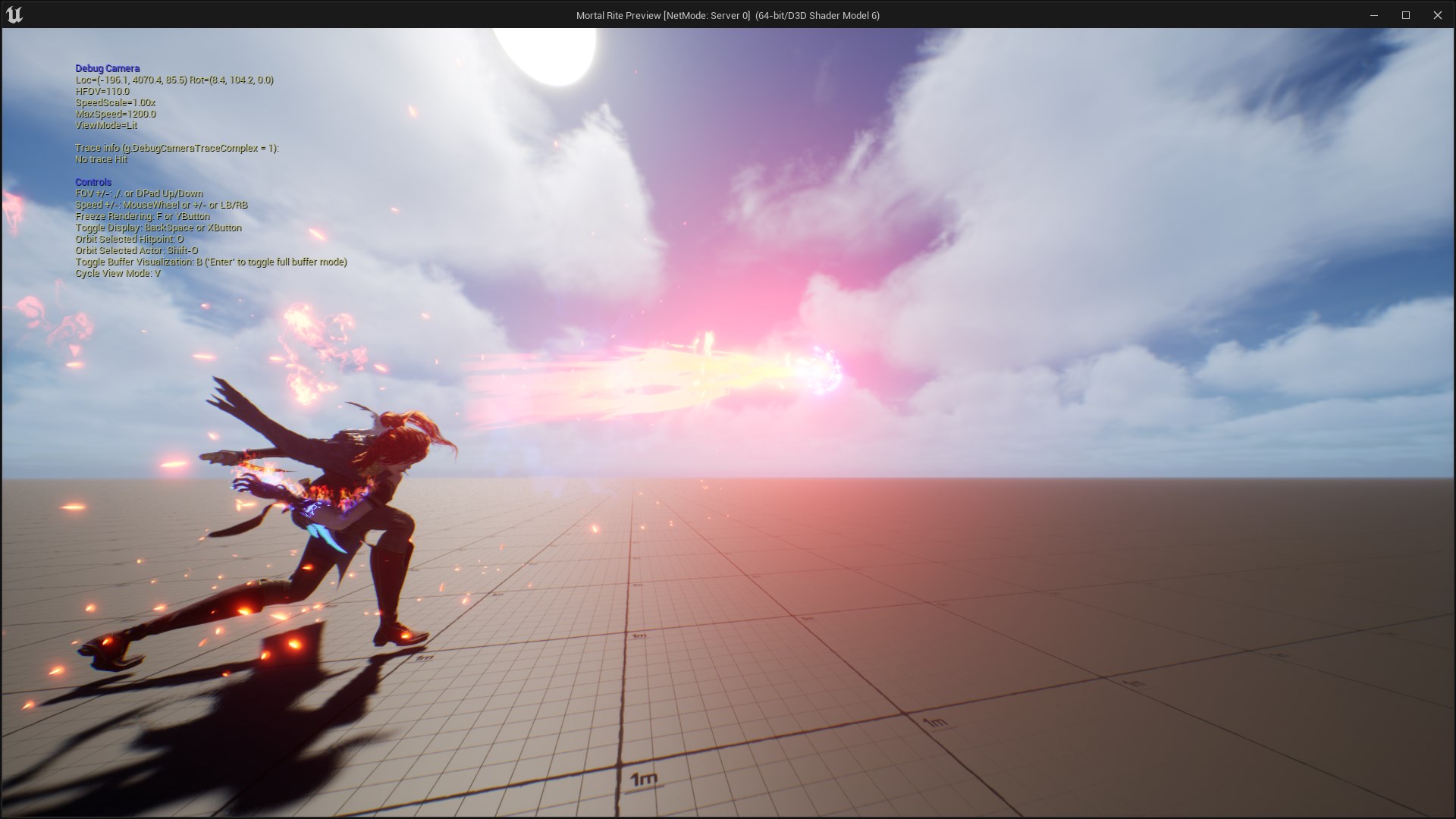
Last time we covered some of the design decisions on why we swapped to the stance system. Today we’ll focus on Fia and some of the changes this made to her kit. Fia’s two stances are Battlemage and Flameborne. When in Battlemage stance, she primarily focuses on Melee attacks and supplementing those with useful spells, both offensively and defensively.

While she previously used to be able to pick from a pool of abilities, we found that players didn’t really deviate from the main damaging ones, because it wasn’t clear that the other spells had any real advantages.

Splitting them up into 2 separate stances that you can toggle between frees them up to be able to choose when they want to use situational abilities, and when they want to burst their target down.

This also allowed us to expose more of the underlying systems in the form of passive abilities. We’ve developed the poise and focus systems quite a bit between all of the characters, and this lets players be able to have more control over those systems.

For example, Fia used to be able to use her defensive ability to be able to parry anything in the game, but that didn’t feel quite right, when she got hit by a massive attack from a boss, and deflected it with the same ease as Shold, who was made to be able to block anything. So we introduced a threshold where she can still successfully deflect any attack, but if it’s too strong, she still gets knocked down, but takes no damage. Players can now choose to spend a point in increasing the defensive power she has when defending, or optionally just choose to dodge that attack.

Failing deflect against large enemies
Now we can deflect

In addition, you can really go all in on defense if you so choose, by adding an ignition effect when defending that will burn anyone you defend against, and significantly increase your focus generation when you successfully deflect an attack, letting you immediately start casting an offensive spell.

We’ve tried to take this kind of approach for all of the passives, where we either expose previously hidden systems or we add extra components to let you really customize how you want to play the character.

Along with the passives, there were new spells that were made for each stance, with the goal of supporting the overall playstyle for that stance.

The Battlemage stance received a new Fire Cone ability that can deal significant close range damage in a wide area. This can be expanded to increase the range or to stun enemies caught in it.

The Flamesword spell is now fully featured as well, offering an option to upgrade from fast kicks to dedicated heavy and charged swings with the sword. These attacks have been designed with enemy groups in mind, so its a good choice to deal with large groups, instead of using the dagger.

The Flameborne stance is still under heavy development, but at the moment, you can enter this stance at any time, and begin to burn your focus pool, but your abilities don’t cost anything.

Fia’s Light attacks are replaced with a Fireshard combo and heavy attacks cast a chargeable fireball, significantly increasing damage with each charge level (up to 3.)

That’s all for this week. Catch ya later

A Dramatic Stance

We’ve been cooking up a new way for players to play around with their kits.

Previously we made some design decisions for player abilities that led to quite a few unfortunate circumstances. We wanted players to master their abilities, and one way we thought of doing that was to have a variety of ways to alter how they used their abilities.

How hard could that be?

Ah, here’s a great way to make sure that happens. We’ll force every ability to have “Hold” functionality. So anytime the player holds down the button for the ability it should change the way you use the ability.

For a while this was more or less okay. We could think of some alternate ways to use abilities that encouraged tapping the button versus holding it down. One example was for Fia. Her Fireshard ability would launch a small fireball, while holding the button down would launch a bigger fireball, and continuing to hold it would charge it further, increasing it’s size and damage.

Tap: FireShard
Hold: Fireball

Which was great until we started running into issues with other abilities.

Taking Fia as an example again. Her Flame Sword ability, she can summon a sword, but what exactly would the hold do?

This came up pretty often, we wanted “transform/shapeshifter” abilities that would alter what weapon you had or what “mode” you were in, which in testing was a lot of fun, but didn’t have a clear answer for how we’d tackle that Tap Vs Hold functionality.

On top of that, the player could add mods to each ability to change them even further.

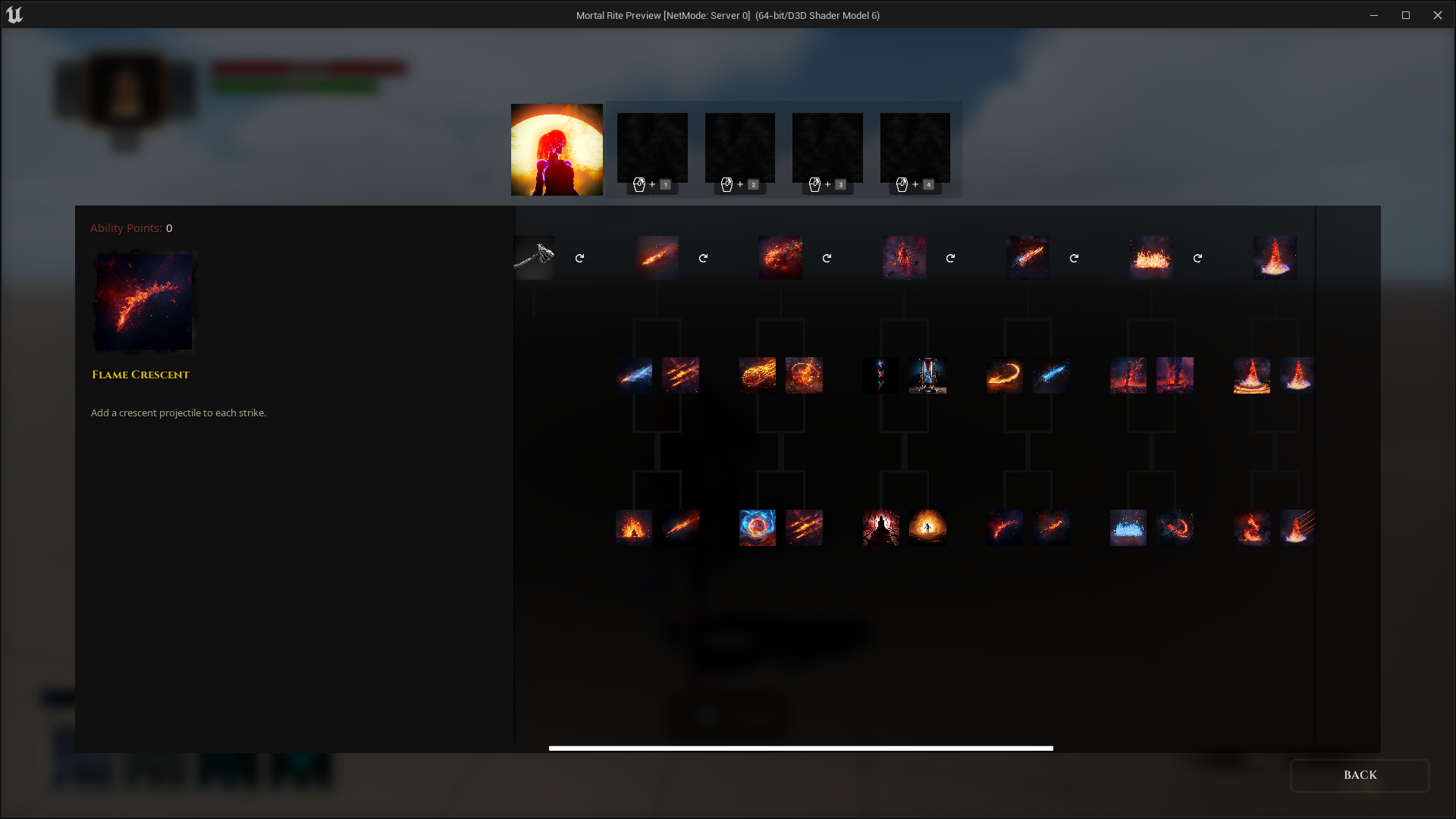
Old Customization Menu

Each ability had to have at least 4 mods. This would let players customize their playstyle with each character. It also meant that we were in a very weird spot for abilities like the FlameSword. Most of the mods for those types of abilities would wind up being passive components. Things like increased damage, add fire damage, regain additional focus on each hit.

The passives in those cases ended up feeling more of a forced decision rather than a new way to interact with the ability. Together with the tap and hold requirement, player abilities were in an odd spot design-wise and in terms of player customization. On top of that there were other issues of progression were players would could gather ability points in a very short amount of time and get all the ability mods.

Welcome to Stances

Back to the drawing board, Anthony and Jensen spearheaded a new design to combat most of these issues.

The stance concept assumes from the very start that characters will have at bare minimum two “modes or stances”. This right away takes care of the issue that swapping weapons had, and the requirement for Tap vs Hold was removed completely.

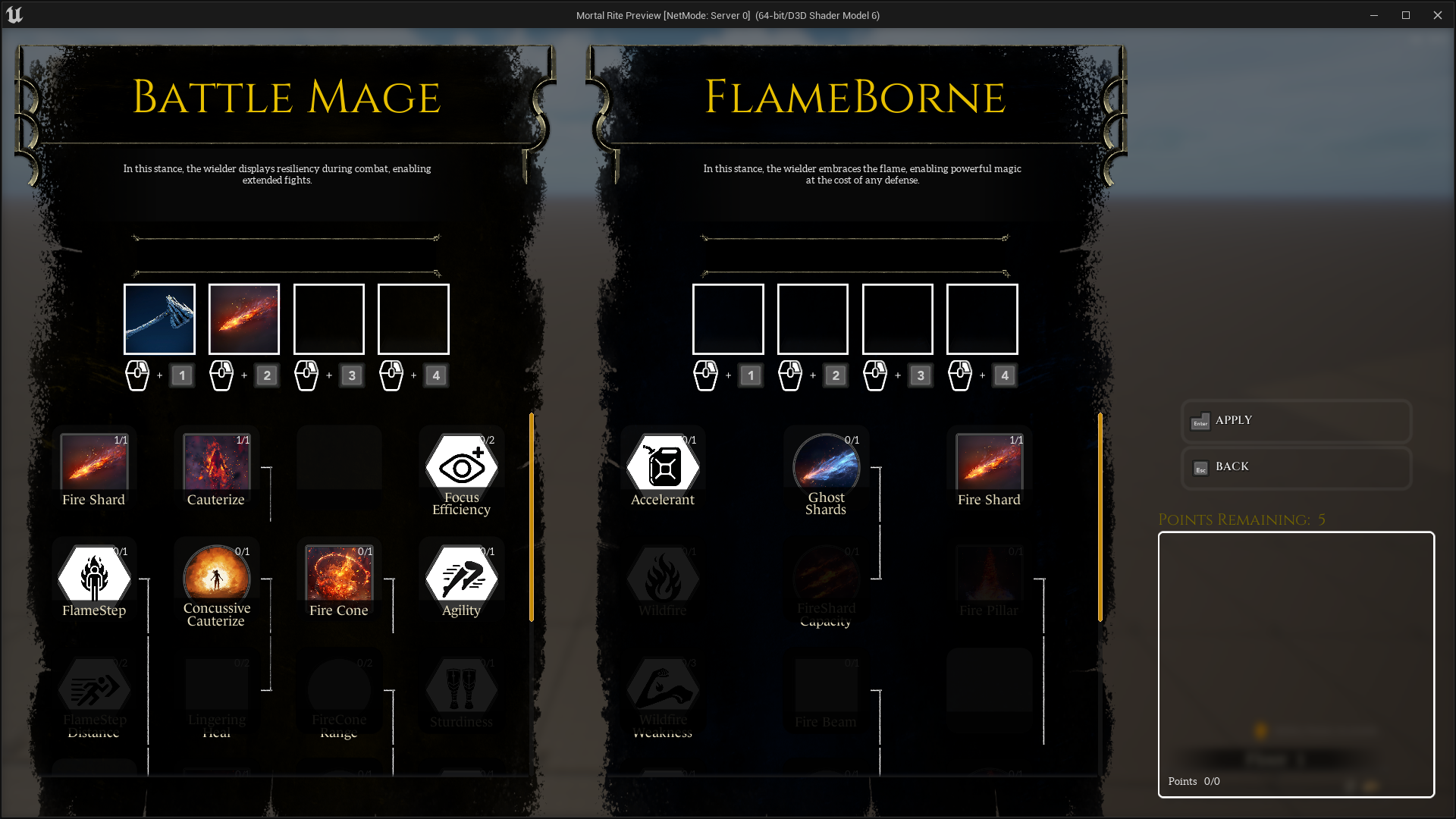
So players will start off with a “Stance Swap” ability for free that let’s you swap back and forth between the two modes.

Please ignore my impeccable UI design.

The system still allows abilities to be customized, without the need for specifically 4 mods per ability. It also lets you pump points into different mods so you can focus more power into a specific playstyle.

There’s been a ton of changes since we introduced the system, and we can get into it some more in a future dev log. But that’s all for this week. See you in the next one.

Ai Optimization: Part 2

Spawning Enemies Rant

Spawning enemies has always been problematic for us during our Mortal Rite journey. Spawning enemies is not something that I’ve seen people complain about on the internet about Unreal Engine, but, it seems like, there’s a lot that is just accepted when it comes to issues with Unreal Engine. E.G.: Something can affect one dev team and not another simply because of the type of project that they are working on -OR- because a Dev Team doesn’t know the proper way to do something… yet.

Originally we just spawned enemies using spawn actor nodes and that worked for the most part. This was in the time long, long ago.

All was good using spawn actor nodes until all wasn’t good using spawn actor nodes. What changed? Something about some of the enemies that we have created did not play well with the spawn actor nodes and caused huge amounts of lag (~10 seconds).

It was at this point that we decided to pre-spawn enemies. We went through several iterations of pre-spawning enemies: Pre-Spawning an enemy for each enemy needed in the level; Pre-Spawning a pool of enemies that can be re-used so that there are not as many in the level. Probably some other iteration that I don’t remember even though I made it.

The complexity added by pre-spawning enemies and making sure every enemy was properly recycled or cleaned up properly was significant. Each time new systems were added or changes to existing systems were made that affected enemies, which most do, it could cause something to not get cleaned up correctly.

After a lot of trial and error, we’ve now gone back to spawning enemies on demand using spawn actor nodes. What changed? We found out what was causing the huge lag and fixed it (Initializing cloth simulations that caused most of it). Well, it wasn’t all us. There was a fix introduced in a newer version of Unreal Engine that fixed a lot of it.

Optimization: Spawning. Where we are now

We use Enemy Placers to setup and place enemies in the world. Having all of the settings in a common place regardless of what enemy you are dealing with is good.

We now use a distance check between any player and each enemy to determine when they should spawn or de-spawn. This distance check can be done between some arbitrary location that can be literally anything in a level or something specifically put into a level to check against, or it can be the placer itself.

Configurable Placer Ranges (via slider) for each placed enemy:
Hearing Range, Aggro Range, Logic Enable, Spawn Range, Deaggro Range

All of these ranges have defaults so not all of them need to be set for each enemy. Each enemy also has their own melee attack range, missile attack range, defense range, etc. that are editable per enemy type and don’t need to be changed often.

There is also logic that doesn’t let someone kite an enemy outside of the original distance check to despawn or cheese the enemy. The enemy will stick with targets until they lose their target regardless of spawn distance.

These spawn distances further optimize the number of enemies that the Enemy Manager needs to process moment to moment. Before, in Ai Optimization 1, we had well over 100 enemies in the test level that needed to be dealt with and optimizations were being done to make having that number of enemies be performant.

With this distance-based spawning and despawning in play, we now only have to deal with around ~30 enemies in the test level at most and around 10 enemies on average. This is with no appreciable change to what the player experiences.

New Trigger Mode: Trigger Volume

I also added a new spawn mode called ‘Volume’ that references a volume instead of a distance check. The logic is basically the same, but uses a placeable volume instead of a radius.

Trigger Mode: Volume

The volume can be placed anywhere, and any number of placers can reference it. Meaning: A Level Designer can spawn in an army or one enemy using a volume.

Optimization: Spawning too many enemies at the same time

One thing that I noticed once we had this ‘Volume’ trigger working is that spawning a bunch of enemies within the same frame caused huge hitches. Hitches are bad. Anything over an 8ms hitch is going to be noticed by most players.

It also wasn’t just because of the volume: In the Test Level there were times when spawning in multiple enemies just because of enemy placement and spawn radiuses caused hitches with just a few enemies here and there.

I don’t have numbers for a packaged game, but spawning in 12 enemies in a single frame caused hitches of up to 140ms (!).

Solution: Spawn one enemy per frame.

My solution was to update the Enemy Manager to only spawn one enemy per frame instead of on demand without any limit.

Now Enemy Placers request for an enemy to be spawned and the spawn requests are dealt with in the order which they were received unless the request is no longer valid. In the case where a player clips into a spawn radius/trigger causing spawn requests to be issued then the player runs out of the radius/trigger before those requests can be dealt with, the requests are removed before they are processed.

Future considerations might be made on the order that enemies are spawned based on distance so that closer enemies to players are spawned in first, but with the current system and how the levels are at the moment I haven’t seen a need to add that functionality yet.

Showing the difference between spawning 12 enemies at once vs. spawning 12 enemies one per frame.

After implementing the one-enemy-per-frame spawning, the peaks went from 140ms for 12 enemies to around 40ms for 12 enemies. Again, this is in the Unreal Engine Editor and not representative of a packaged game. In the packaged game spawning will take much less than 40ms.

At the end of the day, the biggest optimization that we have for performance and enemy performance is better use of the enemies that we have and how many enemies we have in play at any one time. There’s only so much optimization that can be justified on things like abilities, logic to run abilities, etc. while reducing the number of enemies in play has much more significant effect on performance.

Ai Optimization: Part 1

We’re starting to dial in what performance should be like for the upcoming playtest since the playtest will be here before we realize it.

Criteria decided on for Ai Logic was ~2ms on the Game Thread per frame for 20 active Ai. Pretty much arbitrary and just some numbers that were presented so I went with it.

Active Ai means Ai that are doing things. That sounds reasonable, but doing things means available for combat and when Ai is available for combat that means that they need to be assessing all targets in the world that are in range.

Profiling 20 Ai in a level that were assessing all targets in the world was around ~3ms per frame when spread out over 10 frames.

I was optimistic at this point.

In this case all that had to happen was to increase the number of frames for Ai Logic from 10 to 20 and the time per frame dropped to less than 2ms. 20 frames was still responsive enough.

And that solved it. Thanks for reading.

So, are we to expect that the maximum number of Ai in any level in the game is… 20?

You, probably.

Taking a look at the level that the Level Team is working on right now we see that there are currently over 100 Ai placed in the level. The performance of 100 Ai in the level is well above the previous criteria, but then 100 Ai in the level is not the previous criteria anyway.

Previous to optimizations Ai Logic Time in the Real Level was 3x what we wanted!

So, lets see how much we can do with some optimizations while not giving up any capabilities for the Ai.

Optimization: Target Mapping

Ai get their targets by grabbing the list of players in the world, getting all of the destructibles within a range around them and by being given a target directly. This is no where near efficient because the Ai has to sort through ALL targets, determine if they are hostile and should be kept or if they are not hostile/attackable and should be rejected.

The idea of Target Mapping is to maintain a map of Factions to Targets for all targets in the world. This way the Ai only needs to pull from the known Factions in order to get hostile or attackable targets.

Implementation of Target Mapping is straight forward:

  • Add Character targets to the Target Mapping when they are added to the world.
  • Remove Character targets from the Target Mapping when they die or are removed from the world.
  • Add Enemy targets to the Target Mapping when they are added to the world.
  • Remove Enemy targets from the Target Mapping when they die or are removed from the world.
  • Add Destructible targets to the Target Mapping when they are added to the world and are attackable by Ai.
  • Remove Destructible targets from the Target Mapping when they are destroyed or are removed from the world.
  • Anytime that there is a Faction change, remove the current mapping and create a new mapping for the Target’s new Faction.

Once Target Mapping was implemented and I accounted for all of the non-hostile target interaction that Ai need to be able to support, the performance was better.

Target Mapping saved around ~35%

Optimization: Ai Range

Originally all Ai had the same range meaning that the Ai would pick up and lose targets at the same range. These ranged were set across Ai using the worst case settings: The Heavy Archer!

The Heavy Archer has a range of around 100 meters and therefore all Ai Ranges were set to that range, which is a lot for any melee Ai.

Simply cutting the Ai Ranges in half from 100 meters to 50 meters gains another significant reduction because the Ai doesn’t need to consider as many targets. In the future, each instance of the Ai’s ranges will be carefully selected by the Level Team so that they act appropriately.

Reduced Ai Range dropped Ai Logic Time significantly.

Very close to the 2ms mark for 100 Ai! Making good progress.

Optimization: Reachable Queries

Reachable Queries are how I am determining what targets an Ai should consider for Melee Attacks. If an Ai knows that they cannot reach a target they shouldn’t consider that target.

Example of this is if you have a melee-only Ai and there is no way for that Ai to get to a target, then the Ai shouldn’t consider that target and should instead consider another target or go back to what it was doing.

For Ai that have Ranged Attacks that can hit the target in the above scenario, the Ai will use their ranged attacks instead as expected.

Reachable Queries were set to test up to 5 points around each target in order to determine the reachability of that target.

The optimization is turning that value down to 3 points around each target and then to orient those points around each target in a better pattern.

Now we’re cooking with gas.

Better reachable query helped get down below 2ms for 100 Ai.

Looking Back

So with these optimizations, where does the original scenario of 20 Ai at 2ms per frame sit?

20 Ai clock in at around 1.3ms across 10 frames post optimization.

Note the Frames column.

Conclusion

Going through this process was really educational. I learned a lot about the Ai system that I built and where its bottlenecks are. In the future I plan on doing further optimizations:

  • Better control of what Ai are active/spawned in the level so that only the Ai that need to be in the level are there. This is actually already in progress because the needed functionality for on demand spawning of Ai or on demand waking up of Ai have been added to the new project.
  • Decouple non-combat and combat portions of Ai logic so that only Ai that are in combat consider their combat abilities.
  • Use Async Traces.

Goals

My goal for our Ai is to get >100 Ai to below 2ms across 10 frames. Still a way to go.

Disclaimer

All of these numbers are generated on AMD Ryzen 5900X and AMD Ryzen 5950X at stock frequencies. In the near future I will be testing these numbers using the min spec machine, which, from now on, I will call The Beast (EDIT: First tests using The Beast (min spec machine) show times that are roughly double the above times (example: Ai logic that takes 1.8ms on 5900X takes ~3.6ms on The Beast)).

Enemy of Good & Significance.

Optimization is needed for every game in order to make the game run well. Optimization is one of those endless voids where time goes to die. You can spend an infinite amount of time optimizing a game and it’s a good idea to not optimize early.

Early optimization wastes time and by the time that the game is finished the parts of the game that were optimized early may not be the actual bottleneck or may not even be in the game at that point. It’s important to make each part of the game “Good Enough” for now and then improve it later. This is true for everything in the game.

Perfect is the Enemy of Good.

Voltaire

It takes discipline to stick to this idea, though. As an artist, a programmer, as a craftsman, you want what you are working on to be the best that it can be. If you are an artist that could mean adding in all the detail that you appreciate. As a programmer that can mean making the code clean, as readable as possible for the next programmer that needs to understand your code, which is usually future you, or it can mean making the code run as fast as possible. It’s easy to get in a trap where you spend way more time optimizing something than is needed.

Is anyone going to notice the small detail that you put into that art? Is anyone going to notice that a non-critical part of the game takes 0.5ms to run rather than 1.5ms?

The answer is complicated because one of the most rewarding things about being a craftsman is having someone else notice the details, the passion, or the time and effort that you put into something. Since you want that positive feedback as a craftsman, it’s tempting to spend way too much time on something to make it the best that it can be.

Game Thread & Tick

STAT GAME to show stats for the game thread.

One place where optimization was needed was the game thread, which is basically CPU usage. Honestly a surprise since we are using Unreal Engine 5 with real time global illumination via Lumen. Our initial assumption was that Lumen was going to cause the most issues for framerate because the Steam Hardware survey told us that the most common GPU that people had at the time was an NVIDIA GTX 1060 (or equivalent). And, also important, EPIC was targeting 30fps at Ultra Quality for Lumen on current generation console hardware, which is roughly 3x the performance of an NVIDIA GTX 1060 (as a side note: it looks like EPIC is going to do better than 30fps at Ultra on the current generation consoles, but it remains to be seen how complex developers make their scenes in real games).

In the previous Mortal Rite play test and demo builds, we had really bad CPU performance. Mortal Rite version 0.4.12 was the first version that we took the time to optimize CPU performance and at that point it was mainly cleaning up when actors in the game ticked. This was done in the middle of one of the play tests, which wasn’t great timing on our part since there were probably a lot of people that tried the play test and stopped playing due to poor framerates.

For those are are not aware: Each “thing” in the game ticks. A tick in a game is a frame. So, if something is ticking it is doing something each frame on the CPU. To optimize for 0.4.12, our tick count was optimized from over 400 to around 100. The count isn’t really important because you can have one really complex thing ticking and that can cause a performance issue by itself. But this illustrates a problem that in my estimation is an issue for anyone using Unreal Engine: Everything ticks by default and most things have multiple places where tick needs to be turned off (such as components and meshes). It feels like everything is working against you when it comes to tick because everything wants to “auto activate”, which starts tick (in some cases) even when you have set that “thing” to not tick.

Significance Manager

One way that we are dealing with game thread optimization is to have characters (for now) have the concept of Significance: How significant the character is for each frame.

We use a Significance Manager that has every character register with it and then on tick the Significance Manager determines how significant that character is.

Significance Manager settings per character.

We use the significance value to control how fast that character updates. No one will notice that an Enemy way off in the distance is being animated slower than one up close (especially if that someone is playing the game and not studying the pixels of that enemy in the distance), but having that Enemy in the distance update slower saves CPU time.

Numbers to illustrate tick rate changing.

We haven’t dialed in the values for each character yet, but based on our early testing we’ve saved around 6ms (Stock AMD 5950x CPU) on the game thread by having characters tick less via significance and by cleaning up ticks again. This value of 6ms will vary from system to system (probably more than 6ms on our min spec machine! Will test that in the future) and will also depend on how many characters/enemies are close to your camera as the player, but this is huge.

Realistic numbers to illustrate how it may look in game.